Real Estate Inventory Management for Plot Developers
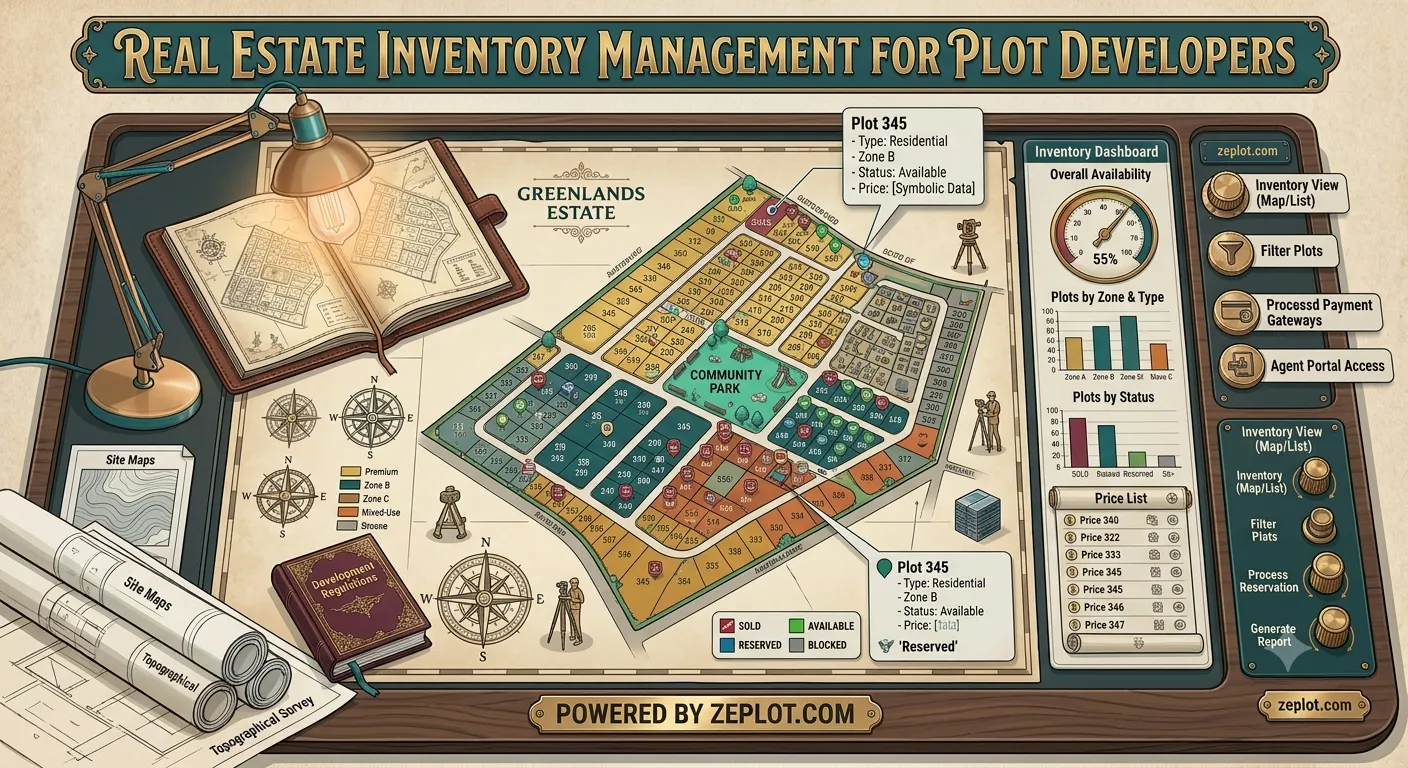
For a plot developer, the inventory is simple to describe: a list of plots, each available, held, booked or sold. Keeping that list correct while several salespeople, brokers and an office all sell at once is the hard part. This guide explains how real estate inventory management works for plotted projects, and how to avoid the most common and embarrassing mistake: selling the same plot twice.
Why plot inventory goes wrong
The same inventory usually lives in several places at once:
- An Excel sheet on one laptop in the office.
- A printed layout at the site with pen marks.
- Brokers' own lists, updated whenever someone remembers to call them.
- The memory of whoever was on duty last weekend.
Each copy is right for a while, then quietly goes out of date. The result is double-bookings, buyers told a plot is free when it is not, and price lists that do not match what was agreed.
The rule: one status per plot, in one place
Good inventory management comes down to one rule: every plot has exactly one current status, stored in one place, and everyone reads it from there. Changes are made there and nowhere else.
Statuses that work for plots
| Status | Meaning |
|---|---|
| Available | Can be offered to any buyer |
| Hold | Held for a buyer for a short time, e.g. until a site visit or a decision |
| Reserved | Kept aside by the developer (for a partner, a later phase, or not for sale yet) |
| Booked | Booking amount received, sale in progress |
| Sold | Sale completed |
Give holds an end date. A hold that never expires is a plot quietly taken off the market.
What to record for each plot
- Plot number, area, dimensions, facing and road width.
- Current status and price, and any premium (corner, park-facing, main road).
- The buyer or lead linked to it when held or booked.
- A history of every change: who changed it, and when.
Excel template or inventory software?
A spreadsheet template is fine for a small layout with one person updating it. It breaks down when several people sell at once, because nobody knows whose copy is current. Inventory software designed for plots adds:
- One shared, live list for the whole team.
- A map view of the layout coloured by status, which is far easier to read than rows of numbers.
- Bookings and payment plans linked to the plot.
- A change log, so disputes are easy to settle.
Show the same inventory to buyers
The biggest improvement is to let buyers see the same live status your team sees. When the buyer-facing 3D plot map reads from the inventory, a plot marked booked in the office turns booked on every buyer's screen within seconds. Brokers stop working from old lists, and buyers stop choosing plots that are already gone.
Weekly habits that keep it accurate
- Release expired holds every week.
- Match booked plots against receipts received.
- Review prices of plots that have not moved.
- Check the count: available + hold + reserved + booked + sold = total plots.
Frequently asked questions
What is real estate inventory management?
Keeping track of every unit or plot in a project and its current status, price and buyer, so the sales team always knows what can be sold.
Is there a free real estate inventory template?
A simple spreadsheet with the columns above works as a start. Once several people sell, move to a shared system so there is one live version.
How do I stop double-bookings?
Use one live status per plot, use holds with end dates, and let brokers and buyers see the same live map. Read more on CRMs for plot developers.
Want to see your own layout like this?
Get StartedMore from the blog
Plot Booking Form and Receipt Format: Free Templates for Developers
A free plot booking form format and booking receipt format you can copy, with what each must include.
Read more →
Plot Installment Plan and Payment Schedule: A Guide for Developers
How to set up a plot installment plan, write a clear payment schedule, record receipts, and follow up on overdue payments without spreadsheets.
Read more →
Is It Safe to Buy a Plot in Dholera? 9 Checks Before You Pay
Dholera is a real government project, but not every plot sold under its name is inside it. Nine checks to make before you pay.
Read more →